Protect Yourself with Business Card Controls

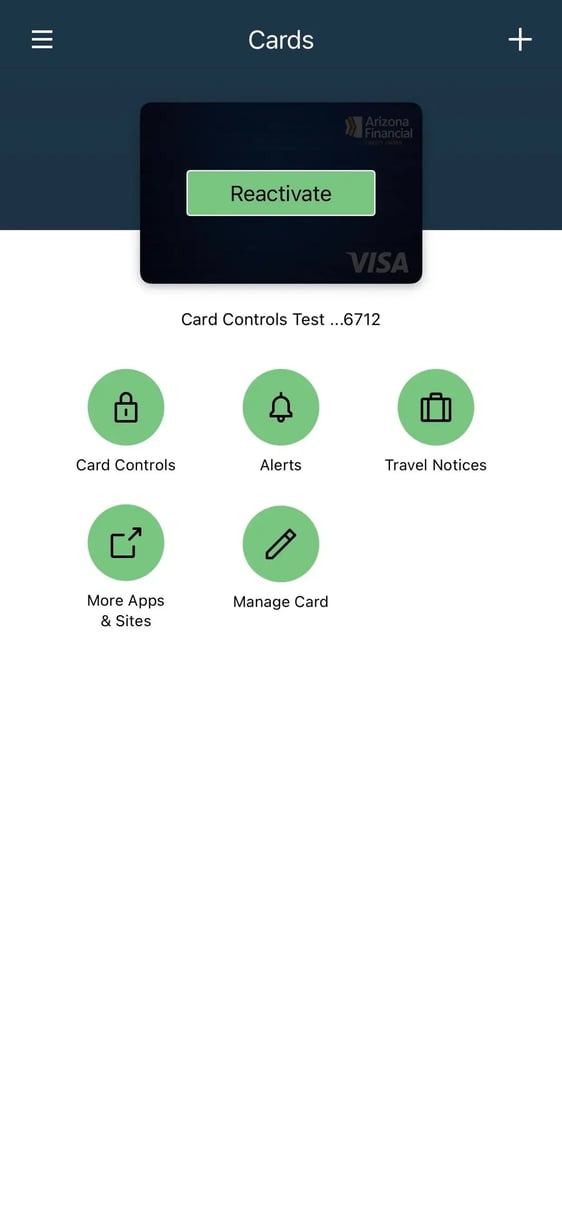
Explore Business Card Controls features
-

Turn Cards Off & On
Lost or misplaced your card? Not a problem.
Protect your money with Business Card Controls on/off switch. Block or unblock your cards with a single touch, until you can contact us for a new card. -

Set Transaction Spending Limits
Stop yourself from going over budget, or limit the amount fraudsters can get access to if your card is ever lost or stolen. Use the Set Transaction Limit feature to limit transaction amounts and keep your business on track.
-

Allow or Block Transactions by Category
Protect your business by blocking transaction types like ATM, international, and online purchases. -

Set Alerts and Travel Notices
Set alerts for international, online, and phone transactions, purchases over a certain amount, and more. You’ll know exactly when and where your card is being used.
Set up a Travel Notice before you travel internationally so your card works the way it should while you’re away.

-
Download the App
The Business Card Controls app is available for Android and Apple devices.
-
Begin Registration
Tap "Sign Up" to start the registration process. Enter your card details and create your profile.
-
Verify Your Email
You will receive a one-time passcode. Input the passcode to proceed with setup.
-
Start Using Business Card Controls